


Table of Contents
- Why GBP categories matter
- How to pick categories (simple method)
- Industry cheat sheet: best categories by niche
- Attributes that boost trust and clicks
- Common mistakes to avoid
- Multi‑location notes (chains & franchises)
- Measure impact: Performance + GA4
- 48‑Hour Category Reset Plan
- Mini‑checklist
- FAQ
- Related posts
Why GBP categories matter
Your gbp categories tell Google what you actually do. Pick the wrong ones — and you rank for the wrong searches. Pick the right ones — and you show up for “near me” queries that bring calls and bookings.
This guide shows best categories for [industry] across Europe and the Nordics, plus a quick audit you can finish this week.
This guide shows best categories for [industry] across Europe and the Nordics, plus a quick audit you can finish this week.
Get a Free Google Maps Audit (48h)
You’ll get a priority checklist + visibility snapshot. No account access required.
How to pick categories (simple method)
- Name the core job: what do people mainly buy from you today? That’s your primary.
- List 2–4 side jobs: real services with demand. Those are your secondary categories.
- Search like a local: run “near me” and country‑language queries (EN + NO/SV/FI) and check top competitors’ categories.
- Match your website copy: the wording on site should mirror your category choices.
- Add attributes users care about (payments, accessibility, dine‑in/delivery, parking).
- Review quarterly: seasonality and service mix change — categories should follow.
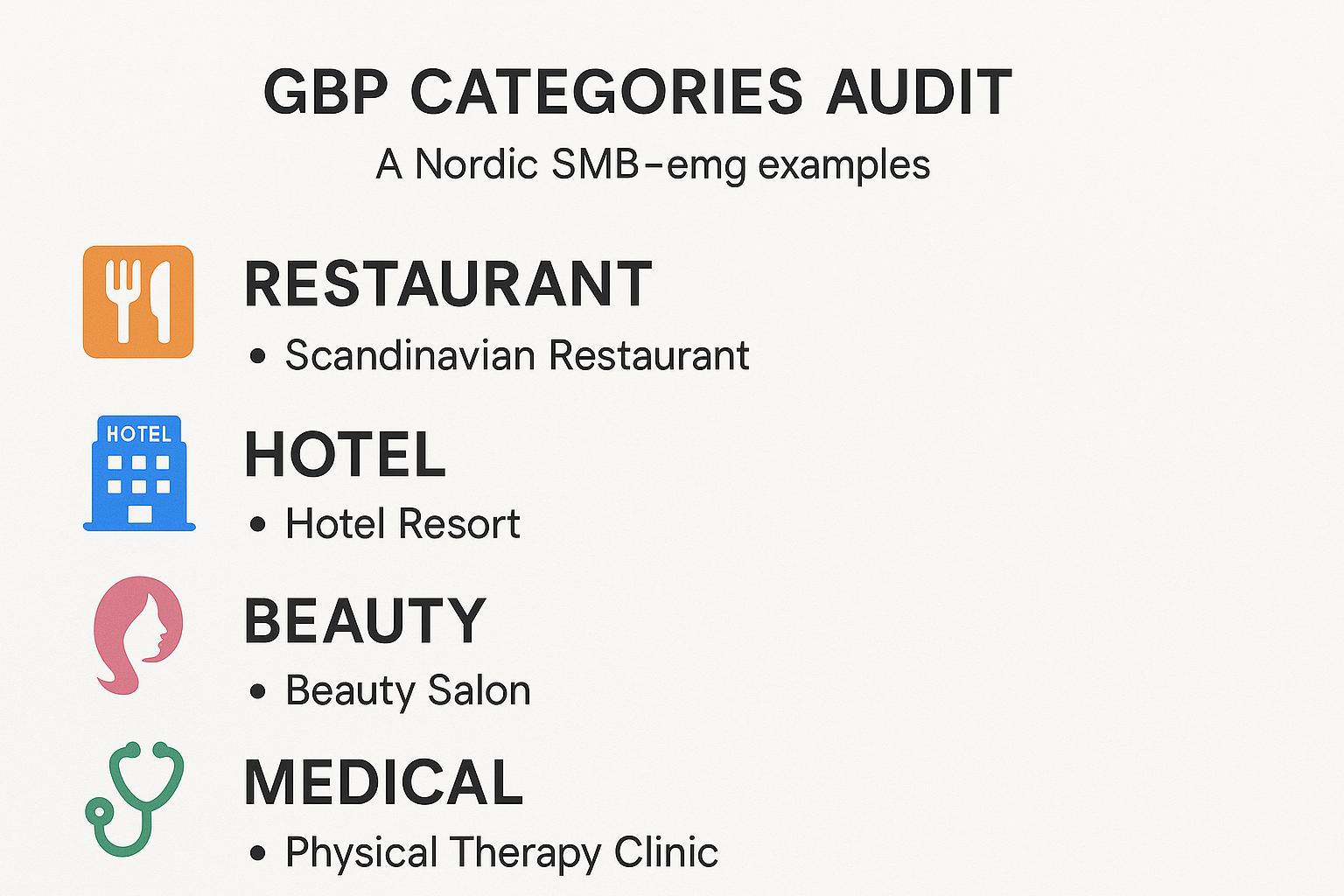
Industry cheat sheet: best categories by niche (EU/Nordics)
Examples only — always check what’s available in your country and language.
Use 1 primary + 2–4 secondary.
Use 1 primary + 2–4 secondary.
Tip: For restaurants and hotels, make sure your secondary categories reflect current operations (e.g., delivery in winter season, terrace/outdoor in summer).
Attributes that boost trust and clicks
Attributes are small badges that answer common questions in seconds. Add what’s true for you:
- Payments: cards, mobile pay.
- Accessibility: wheelchair access, accessible WC.
- Service style: dine‑in, takeaway, delivery; appointment required for clinics and salons.
- Family & pets: family‑friendly, pet‑friendly (if allowed).
- Sustainability: if relevant in your country, add eco/green labels.
Common mistakes to avoid
- Keyword stuffing in name (against policy) or picking categories that you don’t really serve.
- Too many secondary categories: confuses Google and users. Pick 2–4 that truly match demand.
- Mismatch with website: categories say one thing, site says another.
- Ignoring attributes: you miss easy conversion signals.
- Set‑and‑forget: services change; categories stay outdated.
Multi‑location notes (chains & franchises)
- Same primary, flexible secondary: keep brand consistency, but allow each location to choose secondaries that match local demand.
- No clone mistakes: don’t copy niche categories where they don’t apply (e.g., Vegan Restaurant on a site with no vegan menu).
- SABs: define service areas, hide the address, and align categories to actual jobs per region.
Measure impact: Performance + GA4
- In GBP Performance, track calls, directions, website clicks after category updates.
- In GA4, log events: cta_click, call_click, directions_click and add UTM to GBP buttons and deep links.
- Review impact after 14–30 days; keep changes if they help, roll back if they hurt.
48‑Hour Category Reset Plan
Day 1 (60–90 min)
Day 2 (60–90 min)
- Confirm primary category (core job today).
- Pick 2–4 secondary categories (real services).
- Add attributes users expect in your country.
Day 2 (60–90 min)
- Make website wording match categories (headers, services page).
- Add UTM to GBP buttons and booking/menu links.
- Publish a short post/offer with the new service focus (e.g., “Winter lunch menu”, “Same‑day drain repair”).
- Check Apple Business Connect and Bing Places — replicate key categories and photos.
After 2 weeks, compare calls/directions and top queries in Performance.
Mini‑checklist
FAQ
Related posts
- GBP Audit Checklist — Full GBP Audit for EU/Nordics
- Photos & Visuals That Convert on Google Maps
- UTM for GBP Buttons + GA4 Events
Get a Free Google Maps Audit (48h)
You’ll get a priority checklist + visibility snapshot. No account access required.
Compliance note
We never incentivize reviews. No gating. Avoid keyword stuffing in business names or posts.
We don’t request full account access; links/screens are enough. Manager access is optional.