


Table of Contents
What this checklist covers
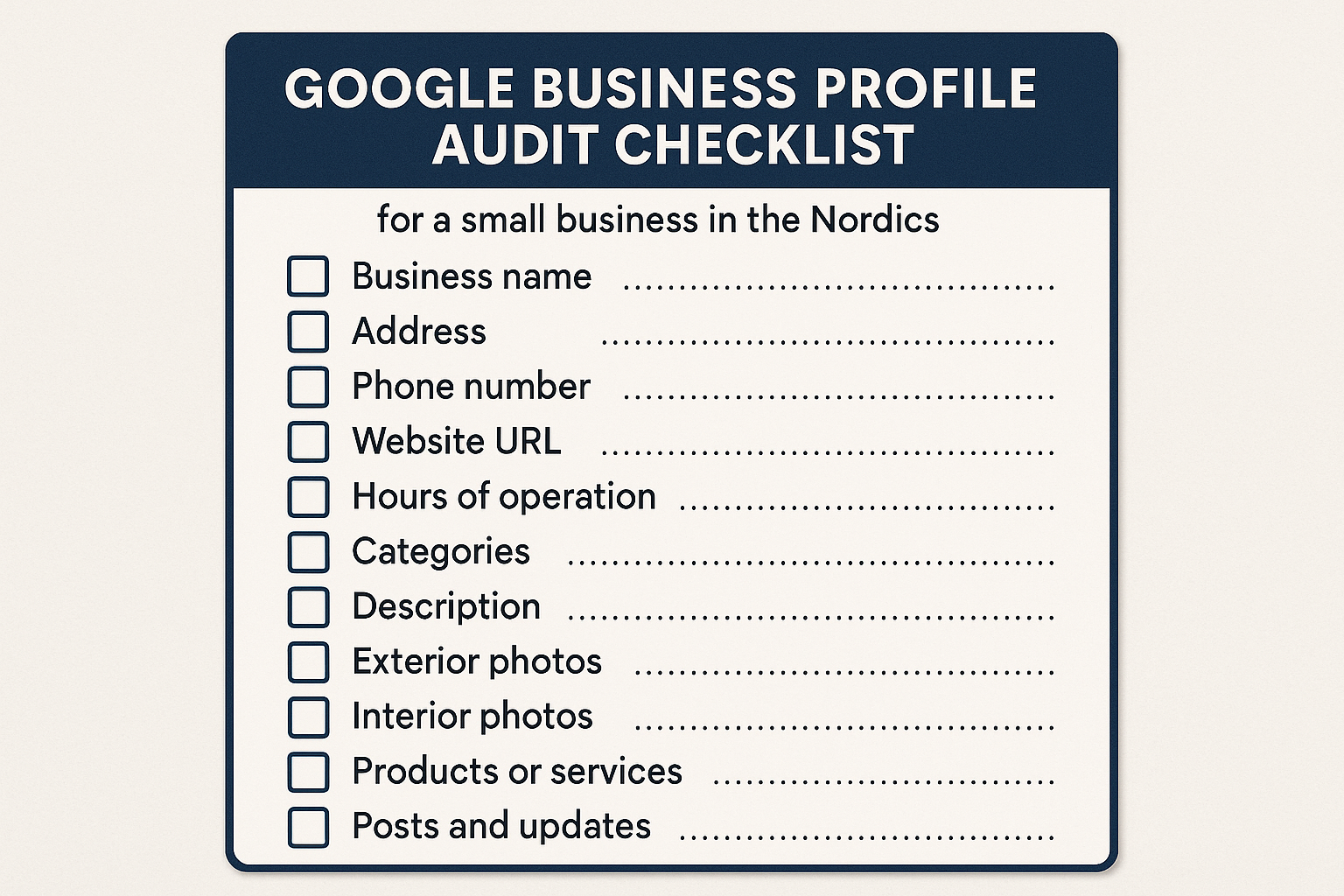
This google business profile audit checklist helps a small business find and fix weak spots fast: categories, NAP (name‑address‑phone), photos, services/products, reviews, risks, and tracking.
Result: a clear to‑do list you can finish this week, plus a 48‑hour plan for quick wins.
Result: a clear to‑do list you can finish this week, plus a 48‑hour plan for quick wins.
Get a Free Google Maps Audit (48h)
You’ll get a priority checklist + visibility snapshot. No account access required.
How to use it (small business friendly)
- Read each step and mark ☐/✓.
- If you get stuck, do the Priority Fixes in 48h first.
- Keep the language simple; you don’t need SEO jargon.
25‑Step Google Business Profile Audit Checklist
Categories & Attributes
- Primary category fits your main service (e.g., Hotel, Restaurant, Beauty Salon). ☐
- 2–4 secondary categories match real services; no random extras. ☐
- Attributes set (payments, accessibility, dine‑in/takeaway/delivery, parking). ☐
NAP, Hours & Links
- Name/Address/Phone (NAP) exactly match your website and invoices. ☐
- Local phone with country code; avoid only call‑center numbers. ☐
- Opening hours + holiday hours (for your country in EU/Nordics) are correct. ☐
- Website link goes to the best landing page (not always the homepage). ☐
- UTM on all GBP buttons (“Website”, “Call”, “Directions”). ☐
- Booking/menu/appointment links work, go deep, and also use UTM. ☐
- Address vs. Service Area set correctly: storefront shows address; SAB hides it and sets areas. ☐
Photos, Posts & Content
- Cover photo shows what people expect first (facade or hero product/room). ☐
- Interior + exterior photos look recent (uploaded in the last 90 days). ☐
- Team at work photos build trust (clean, friendly, safe). ☐
- Product/dish/room photos are bright, sharp, and web‑light (webp ≤120KB). ☐
- One new Post/Offer per month (clear image + short copy + CTA; use EN + local language if possible). ☐
Services/Products/Menu
- Services list is complete; short plain‑English text; price or range if possible. ☐
- Products/Menu are structured (sections/filters); seasonal items updated. ☐
Reviews, Q&A & Policy
- Ethical review requests only (no rewards, no “gating”). ☐
- Reply within 24–72h; use short templates but personalize. ☐
- Q&A monitored; pin helpful answers; remove wrong info. ☐
- Duplicate listing scan; plan safe merge/remove if needed. ☐
- Name & category rules respected (no keyword stuffing). ☐
Performance & Cross‑Platform
- Performance tab checked: calls, directions, website clicks. ☐
- GA4 events mapped (cta_click, call_click, directions_click); UTMs consistent. ☐
- Apple Business Connect & Bing Places mirror your GBP (categories, NAP, photos). ☐
Priority Fixes in 48 Hours
Day 1 (90 minutes):
Day 2 (90 minutes):
- Fix primary + secondary categories; add missing attributes.
- Align NAP, add holiday hours.
- Add UTMs to GBP buttons and deep links (menu/booking).
Day 2 (90 minutes):
- Swap in a clean cover photo + upload 3–5 fresh photos (exterior, interior, team).
- Clean services/products/menu (add prices/ranges).
- Prepare review reply templates; answer recent reviews.
- Quick duplicate scan; plan safe merge/remove.
- Post one offer; check Performance and log baseline numbers.
After 2 weeks, compare calls/directions/website clicks and adjust.
Mini‑checklist (copy & assign)
FAQ
Related posts
- GBP Categories Audit — Best Categories by Industry
- Google Maps Health Check — 48‑Hour Priority Plan
- UTM for GBP Buttons + GA4 Events
Get a Free Google Maps Audit (48h)
You’ll get a priority checklist + visibility snapshot. No account access required.
We never incentivize reviews. No gating. Avoid keyword stuffing in business names or posts.
We don’t request full account access; links/screens are enough. Manager access is optional.